What is omnichannel? A guide for chat shops
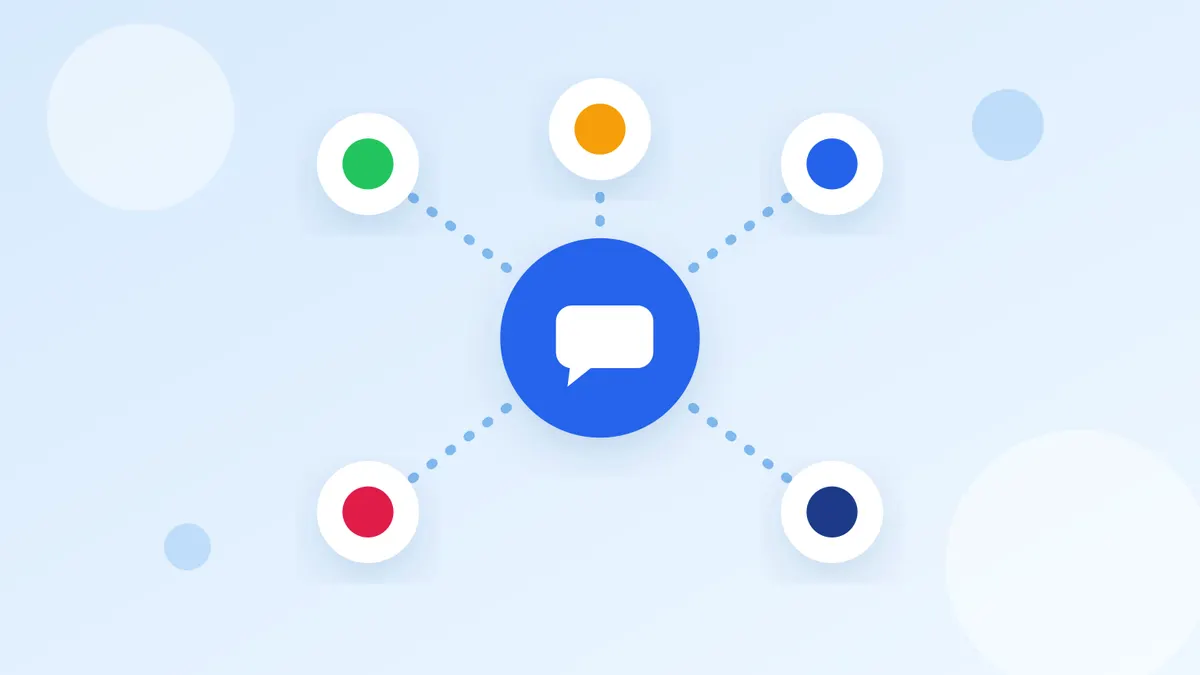
A customer might message your shop on LINE OA today and through the chat button on your website tomorrow. If each channel stands alone, whoever answers the second one doesn't know what the customer already asked, so the customer has to start over. Omnichannel is the idea that fixes this.
What is omnichannel?
Omnichannel means connecting every channel customers use to reach your shop into one story. Whichever channel they write from, the shop sees the history: who the customer is, what they talked about and what they already ordered. The customer simply carries on.
Omnichannel vs multichannel
Multichannel means the shop opens several channels, but each one works on its own. Omnichannel means several channels sharing one set of customer data.
- Multichannel: each channel's chats live in a different app, customer data is split, and the team switches apps and asks the customer again.
- Omnichannel: chats from every channel land in one inbox, each customer has one history, and whoever picks up the chat knows the story.
Why chat shops should think omnichannel
- Customers never repeat themselves and get the same answer whichever channel they use.
- The team doesn't answer over each other, and no chat is missed because nobody opened that app.
- The shop sees each customer as a whole, so it can offer what they're actually interested in.
What omnichannel needs in a chat shop
1. One inbox for every channel
Chats from every channel arrive in one place, showing which channel each came from, so the team answers from one screen. See how to choose one in How to choose chat inbox software.
2. One customer list
Each customer should have one record with tags, notes and conversation history. When the same person writes from several channels, the system should help merge them into one. Read more in What is CRM.
3. The team knows who handles which chat
A new chat should go to whoever already looks after that customer, or be shared out by rules the shop sets. Everyone sees who is answering, so nobody replies twice.
4. Sell and get paid in the same chat
Create orders, tell the customer the total and check slips while chatting, without switching to another program. The customer finishes the conversation and pays in one place.
How Easyrobin helps shops go omnichannel
- Brings chats from several LINE OA accounts and your website chat into the unified inbox. Facebook Messenger and Instagram are coming soon.
- One customer list across channels with tags, notes and a timeline. It suggests contacts that may be the same person from a matching phone number or email, so you can merge them.
- Assign chats to team members and see who is answering.
- Create orders and check slips in LINE OA chats.
- A chatbot answers frequent questions and hands over to the team when it can't.
Start omnichannel step by step
- List every channel customers use to reach you today.
- Connect those channels to one inbox.
- Agree as a team who takes which kind of chat.
- Tag customers and take notes while chatting, so the next person knows the story.
- Check that customers can chat and order in the same conversation.
Read next
Summary
Omnichannel doesn't mean opening every channel. It means the channels you have are connected: customers carry on from anywhere, the team sees one set of data, and sales close in the chat. Start by bringing chats into one place, then add customer data and selling in chat step by step.