LINE CRM: managing customers who buy through LINE OA
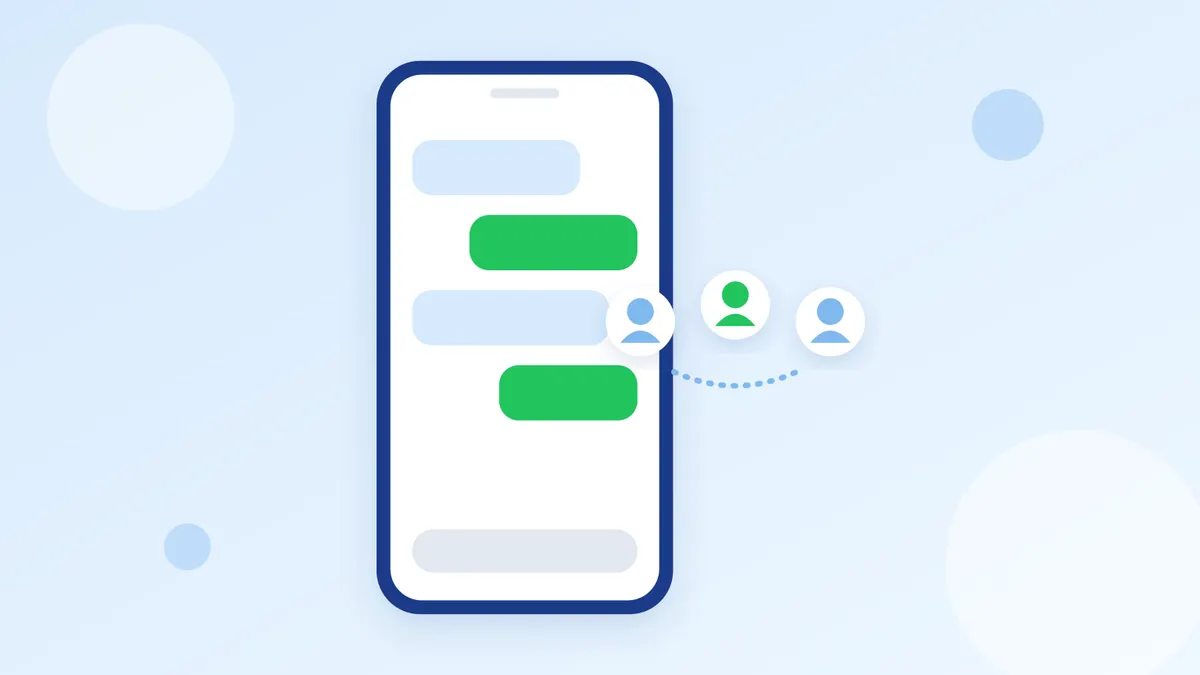
Shops that sell through LINE OA talk to many customers a day. The name in the chat is the customer's LINE name, and their phone number and address sit in old messages. When a customer comes back, the team scrolls up to find what they asked, what they bought and whether they paid. LINE CRM means keeping the customers who reach you on LINE in order. New to CRM? Read What is CRM first.
How LINE CRM differs from CRM in general
LINE customers start by adding your account as a friend and sending a message, so most of what you know about them comes from the chat. A LINE CRM that works sits next to the LINE chat, shows the team the customer while they reply, and lets you message the same groups back on LINE, instead of keeping the list in another program.
What to keep about each LINE customer
- Real name, phone number and delivery address
- What they are interested in or have asked about, kept as tags such as asked about new model or regular
- Their sales stage, such as talking, awaiting payment, bought
- Their orders and payments
- Team notes: what the next person on the chat should know
What to do with it
Pick up where the last chat left off
When the team opens a customer's chat, their details, notes and timeline are beside it. Whoever takes over knows the story without asking the customer again.
Follow up customers who went quiet
Filter by last conversation date and message the people who asked a price but did not buy. See Customers who ask a price and go quiet.
Send broadcasts to the right group
Pick broadcast recipients by tag or saved group instead of every friend. Customers get messages that matter to them, and the shop uses less of its message quota. Read more in LINE OA broadcast.
Know the money arrived before you ship
Slips that customers send in LINE OA chat go to slip check. The system checks with the bank that the transfer really exists, then matches it to that customer's order.
Several LINE OA accounts, one contact list
Customers from every LINE OA account and web chat you connect are in one list. If the same person writes from more than one channel, the system suggests possible duplicates by matching phone or email so you can merge them. See Several LINE OA accounts in one inbox.
Start LINE CRM in Easyrobin
- Connect LINE OA through the Messaging API by copying the Channel ID and Channel Secret
- Import your existing list from a CSV file instead of starting from zero
- Set tags and customer stages that match how your shop sells
- While chatting, have the system find phone numbers, emails and addresses in what the customer typed and fill them in
See Contacts and LINE OA for details.
Read next
In short
LINE CRM does not need to be complicated. Keep customer details next to the chat, let the whole team see the same record, and use it to message the right customers back on LINE. Connect LINE OA, import your list, then tag as you chat every day.