Transfer slip checklist: 12 checks, free PDF download
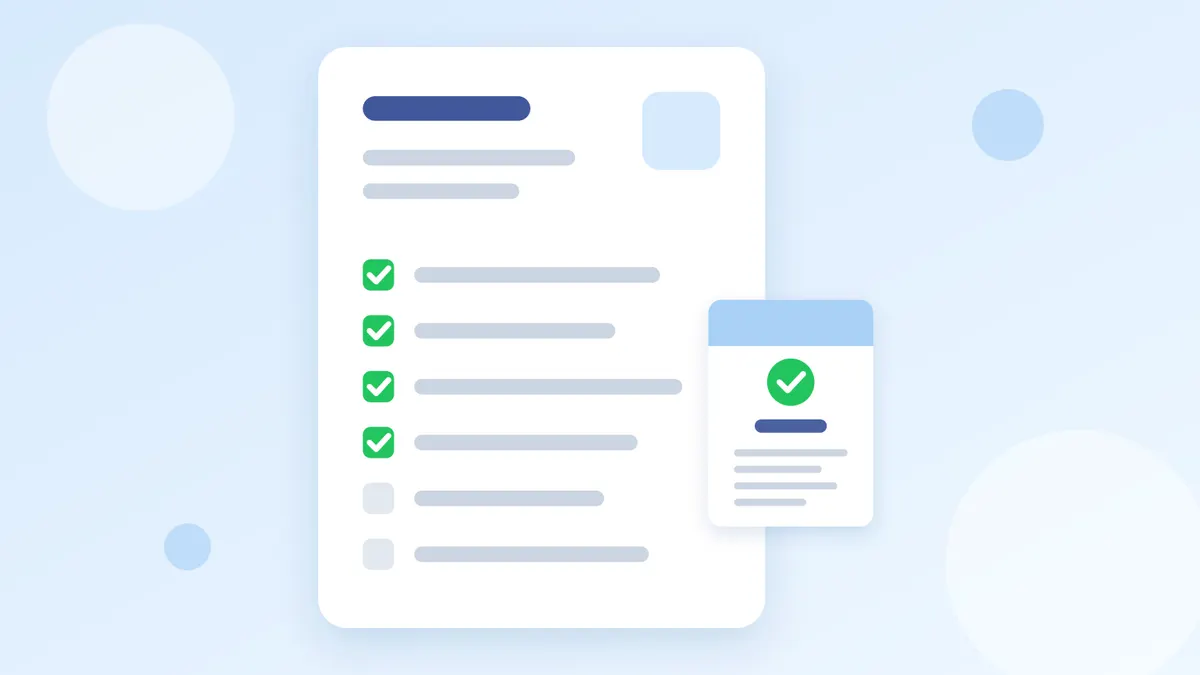
Before you ship any order, run these 12 checks on the customer's transfer slip, in 3 steps: look at the slip, check with the bank, and check before shipping. If any check fails, don't ship yet. Download the checklist for free to pin at your packing table or keep on your admins' phones.
Download the free checklist
- Bank transfer slip checklist, 12 checks: A4 PDF to print
- Bank transfer slip checklist, 12 checks: PNG image for your phone

No sign-up and no email needed. Use it in your shop and share it with your team.
Step 1: look at the slip
- The slip heading says the transfer or payment was successful. A scheduled-transfer slip means the money has not arrived yet.
- The receiver's name and account number are your shop's.
- The amount on the slip matches what the customer has to pay.
- The date and time fit the order the customer just placed, not an old slip.
- The sender's name, amount, date and time are all in the same font and the same weight.
- The slip has a QR code.
Step 2: check with the bank
- Scan the QR code on the slip with your shop's banking app and check that the sender's name, amount, date and time match the picture.
- If the scan can't be checked or says the transaction was not found, treat the slip as possibly fake.
- Check as soon as you get the slip: banks only check slips for a limited time. K PLUS, for example, checks up to 60 days after the transaction.
- Check that the money really reached your shop's account in your banking app or in your bank's incoming-money alerts.
Step 3: before shipping
- The transaction number is not the same as on a slip your shop has had before. Note the transaction number next to the order number every time.
- If any check fails, stop the shipment, keep the slip and the chat, and ask the customer for a new slip or wait for the money.
Every check comes from the Royal Thai Police, Siam Commercial Bank and KASIKORNBANK. For the detail of each check and how to scan in each bank's app, read Fake transfer slips: how to spot and check one (2026)
Example: using the checklist
This example uses made-up data. The shop gets a slip for order #1024 for 590 baht, and the admin goes through the checklist like this.
- Checks 1 to 6: the heading says the transfer was successful, the receiver is the shop's account, the amount is 590 baht, the transfer came 5 minutes after the order, every field is in the same font, and there is a QR code. Pass.
- Checks 7 to 10: the QR scan in the shop's banking app matches the picture, and 590 baht has arrived in the shop's account. Pass.
- Checks 11 and 12: the transaction number is new, so the admin notes it with order #1024 and ships.
If the QR scan for the same order had said the transaction was not found, the admin would stop at check 8, not ship, and ask the customer for a new slip or wait for the money.
Use it on every order
- Print the PDF and pin it at your packing table, so the packer checks before closing the box.
- Send the PNG to every admin to keep on their phone while answering chats.
- Agree as a team: no order ships before it passes check 10.
- If you have too many orders to check by hand, let the system do checks 7 to 11 on the slips in your chats: see automatic slip checking
If you take slips in a LINE group, read LINE slip-check bot: how it works in a group (2026)
What to do with a doubtful slip
- Stop the shipment and keep the slip, the chat from the start, and the name, phone number and address the customer gave.
- If you were cheated with a fake slip, report it online at thaipoliceonline.go.th or call the 1441 hotline. See the steps in Scammed on a transfer in Thailand: how to report it
- If the customer paid too little or too much, read Customer Paid Too Little or Too Much: What to Do
Questions
Does this checklist work for slips from every bank?
Yes. Checks 1 to 6 work on any bank's slip, and your shop's banking app can scan the QR on slips sent from other banks.
If a slip passes every check in step 1, can I ship?
Not yet. An edited slip can look real in every detail. Check with the bank in step 2 that the money reached your account before you ship.
What is a scheduled-transfer slip?
It is the slip for a transfer set to happen on a later day. The money has not arrived when the customer sends the picture, and the sender can cancel it, so it doesn't prove payment.
Can I print the checklist for my team or add it to our shop manual?
Yes. Use and print it for free in your shop.
Summary
Run all 12 checks before every shipment: look at the slip, check with the bank, and make sure the transaction number is new. The check that matters most is that the money really reached your account. Download the checklist for free above.
Sources: Siam Commercial Bank, check whether a slip is real or fake (Thai) · KASIKORNBANK K PLUS FAQ, slip checks (Thai) (checked 28 October 2026)