LINE OA reward cards: how to make one, size and cost
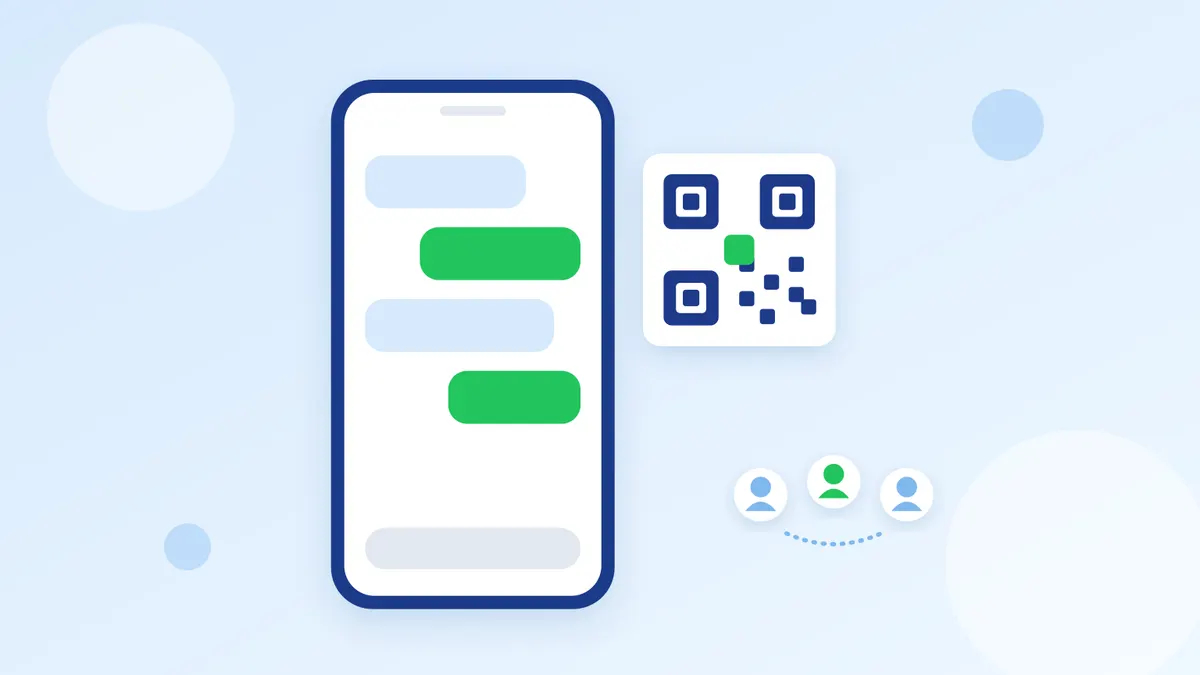
You can create a LINE OA reward card for free from the Reward cards menu on every LINE OA package, up to 10 cards per account. LINE recommends a 1920×960 px background image. Customers must be friends with your account first, then scan your QR code to earn points.
Menu names here come from LINE's guides for Thailand, and some of those pages were written before the multiple-card update of December 2025, so your screen may differ slightly.
How do I make a LINE OA reward card?
On your phone
- Open the LINE Official Account app, tap the Home icon, Reward cards, then Reward card settings.
- Tap Create reward card and set each item.
- Save the card, or save and publish it.
On a computer
- In LINE Official Account Manager, click Home, then Reward cards.
- Go to Reward card settings and set each item.
- Save the card, or save and publish it.
What you need to set
- Card name, up to 20 characters, and reward description, up to 30 characters. Both show on the card.
- Points to collect. A LINE article gives a range of 1 to 50 points.
- Main reward. You need a reward voucher first. You can also add a smaller reward along the way.
- Card expiry: counted from the last point earned, counted from first use, or no expiry.
- Welcome points, a limit on earning points, and your own terms. The limit helps prevent cheating.
Check the reward carefully before you publish. LINE says saved rewards cannot be edited or deleted, and rewards you added are lost if you leave the page without saving.
- Source: LINE for Business, multiple reward cards announcement (Thai)
- Source: LINE for Business, further reward card update (Thai)
- Source: LINE for Business article on LINE TODAY, 2020 (Thai), written when only one card could be made at a time
How do customers get points?
Customers scan a QR code, which you can show in 2 ways.
- QR code on your phone: a one-time code from the LINE Official Account app, suited to the checkout counter.
- Printed QR code: made in the app or LINE Official Account Manager. Many customers can scan the same code, so set a limit on earning points too. One-time codes cannot be printed.
What size is the reward card image?
- Recommended size: 1920×960 px
- File type: JPG, JPEG or PNG
- File size: LINE's guide page says up to 10 MB, but its PDF guide on the same topic says up to 3 MB. A file of 3 MB or less fits both.
LINE's guide for Japan says images in another ratio are cropped from the centre. The Thai guide does not cover this, so a 2:1 image is the safer choice. LINE's size table does not list an image size for reward vouchers.
- Source: LINE Official Account image size table (Thai)
- Source: LINE Official Account image size PDF (Thai)
- Source: LINE reward card guide for Japan (Japanese)
Where do customers find the card, and how do they use it?
LINE's guides for Thailand do not name a menu in the customer's app that lists all their cards, so give customers your own way in. LINE lists these:
- A QR code and URL for each card, for posters, the shop counter or promotion posts.
- Rich menu: set a button to open the card. See A LINE OA rich menu that answers customers in one tap.
- Business profile page: with several cards, the oldest shows first and See more opens the rest. You cannot choose which one shows.
- The service menu bar above the chat, when its display conditions are met.
- A shortcut icon on the phone's home screen, which customers add themselves to open all their cards in one tap.
Terms worth telling customers:
- They must be your friend to open the card, earn points or redeem rewards. Anyone who has blocked you is asked to add you again. See Add friends on LINE OA with a QR code and link.
- Cards work on iOS and Android phones only, on the device registered to their LINE account.
- The card has a shortcut to your chat and shows coupons that can be used at your shop.
- Source: LINE for Business, the new reward card (Thai)
- Source: LINE help center, reward cards for users
- Source: LINE for Business help center, service menu bar (Thai)
- Source: LINE for Business rich menu guide (Thai)
Do LINE reward cards cost money?
No. LINE says the Reward Card is free and comes with every LINE OA package, including the free one. Messages can cost money: a broadcast inviting customers to get the card counts against your package like any other. See LINE OA broadcasts customers open instead of blocking.
- Free package: 0 baht, 300 messages a month
- Basic package: 1,280 baht a month, 15,000 messages
- Pro package: 1,780 baht a month, 35,000 messages
Prices exclude 7% VAT, from LINE's package page as read on 3 November 2026. LINE may change them.
A reward card keeps only the point count, not names or phone numbers, has no member levels, and gives points at a fixed rate. For those, LINE offers MyCustomer CRM at 369 baht a month (no extra charge on the Pro package).
- Source: LINE for Business, Reward Card compared with MyCustomer CRM (Thai)
- Source: LINE for Business package prices (Thai)
Lost cards, and deleting a reward card
A customer changes or loses their phone
Cards and points belong to the LINE account, not the phone. Moving the LINE account to the new phone keeps them. A new LINE account made without moving the old one cannot bring the points or rewards over.
You want to change a published card
Cards customers have received and rewards already set cannot be changed. To change them, the guide says to suspend the card and create a new one. For the card itself, the guides disagree: the Thai one says only the expiry can be changed, the English one says everything except the expiry. Try it on your card settings screen first.
You want to suspend a card
Go to Home, Reward cards, Settings, then Suspend card. In the app it is Home, Reward cards, Reward card settings, then Suspend card. Before you confirm, know that:
- Suspending cannot be undone, and a suspended card cannot be recovered.
- All data and settings are reset, including the points customers have collected.
- You can create a new card one day after the day you suspended it.
Because customers lose their points, tell them in advance and let them redeem first. Card and voucher counts are under Insights, Reward cards, then Cards and points.
The guides do not explain how a customer removes a card from their own app. If asked, have them check their app or ask the LINE help center.
- Source: LINE Official Account help center, reward cards
- Source: LINE help center, reward cards for users
FAQ
How many reward cards can I create?
Up to 10 per account, counting both published cards and drafts.
Do I need a LINE OA?
Yes. Reward cards are a LINE OA feature. If you are not sure what that account is, read What is a LINE OA and what can shop owners do with it.
Can someone who is not a friend earn points?
No. They are prompted to get the card and add you as a friend first.
Can I change a reward after saving?
No. To change the reward on a published card, suspend it and create a new one, and customers' existing points are lost with it.
Summary
Create the card from the Reward cards menu with a 1920×960 px image of 3 MB or less, check the reward before publishing, then put your QR code and a rich menu button where customers will see them. If customers ask about points across several accounts, the Easyrobin LINE OA inbox lets your team answer from one place.